
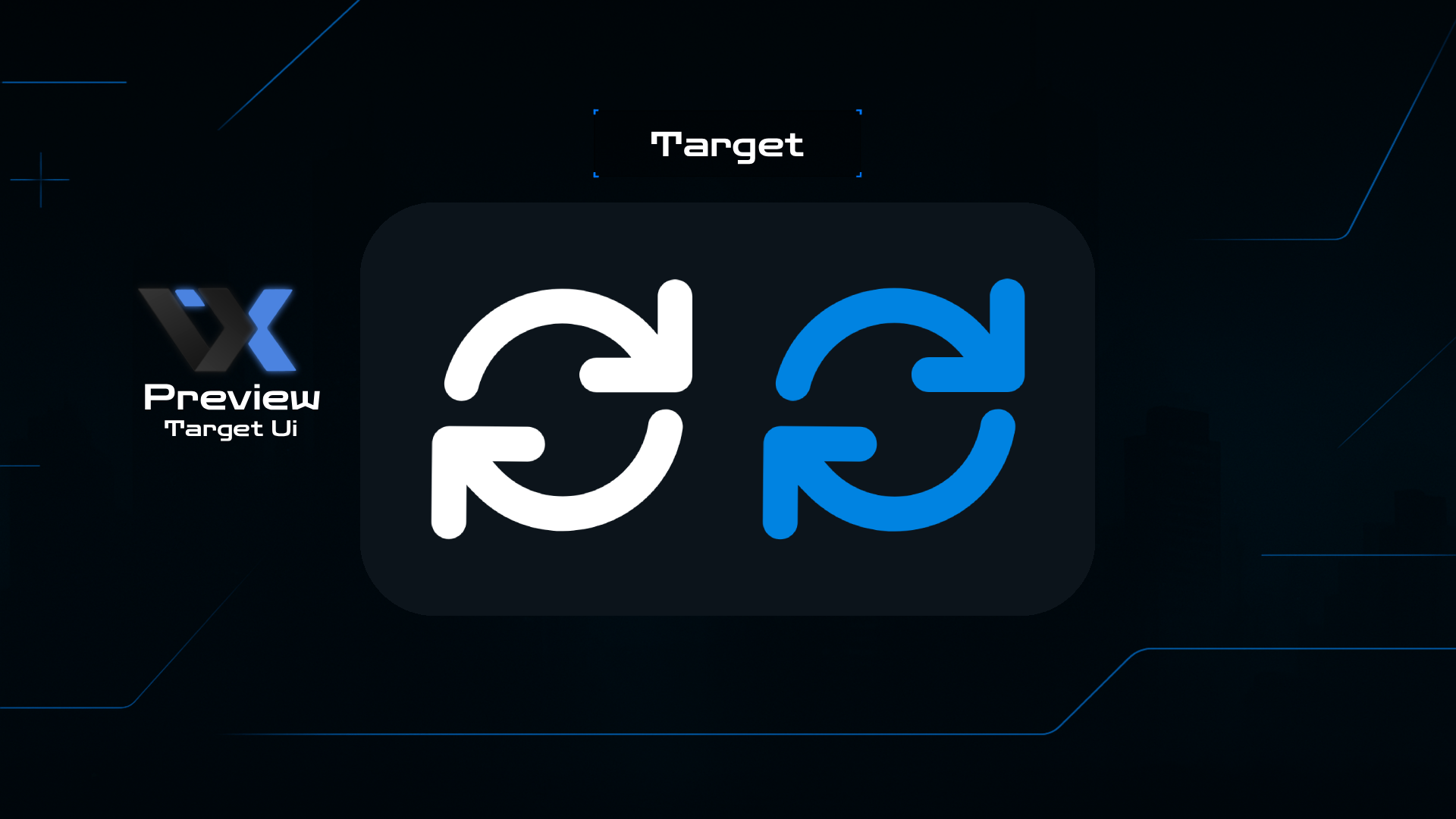
 Preview
qb-target
Advanced targeting system for FiveM servers with modern UI, immersive sound effects, and interactive gameplay for realistic roleplay experiences.
Advanced targeting system with modern design and interactive sound effects. Perfect for precise entity and zone interactions with customizable range and smooth user experience.
- Rating
- 5.0Based on 650+ reviews
- License
- MIT LicenseOpen source
- Version
- v4.0.0Latest Release
- 5000+
- Downloads
- 0
- Known Bugs
- 24/7
- Support
- FREE
- Forever
What you get
Everything included in qb-target, ready for a live roleplay server.
Stable & Reliable
Zero known issues with comprehensive error handling and bug-free targeting system.
Easy Control
Complete control over targeting options with intuitive configuration files and easy customization.
Modern UI Design
Brand new interface design with responsive layout and smooth animations for enhanced user experience.
Interactive Sound Effects
Realistic sound effects when pressing buttons, adding immersion to your targeting experience.
High Performance
Optimized code with minimal resource usage and fast response times for smooth gameplay.
Precise Targeting
Accurate targeting system with customizable range, zones, and interaction methods.
Up and running in 5 steps
Read the README before you start — it covers the config and the common mistakes.
- 01
Download the Resource
Download the latest qb-target version from our Discord server or GitHub repository.
- 02
Extract to Resources
Extract the files to your server's resources folder: /resources/[qb]/qb-target/
- 03
Configure Settings
Edit the config.lua file to customize targeting range, UI settings, and sound preferences.
- 04
Setup Dependencies
Ensure all required dependencies are installed and running properly on your server.
- 05
Start & Test
Add "ensure qb-target" to your server.cfg file, restart server, and enjoy the new targeting system!
Specs and compatibility
Technical specifications
- Framework
- QB-Core
- Dependencies
- qb-core, NUI
- Interface
- NUI (HTML5 + CSS3 + JS)
- Targeting Method
- Raycast + Zone Detection
- Resource Usage
- < 0.01ms
- Range
- Customizable (1-10m)
Highlights
- No known issues
- A New UI Design
- Customizable Targeting Range
- Entity & Zone Detection
- Multi-Language Support
- Smooth Animations & Transitions
- Possibility For Controlling Everything Easily
- When Pressing On The Button A Sound Appears
Compatibility
- QB-Core Framework
- Latest FiveM Build
- All QB Scripts
- All Operating Systems
MIT LicenseFree to use, modify, and distribute. Open source with full commercial rights.
Recent updates
-
Version 4.0.0Latest
- Completely redesigned UI with modern aesthetics
- Added immersive sound effects for button interactions
- Enhanced targeting accuracy and response times
- Improved zone detection and entity targeting
-
Version 3.9.0
- Performance optimizations and bug fixes
- New customizable targeting options
- Enhanced compatibility with other QB scripts
- Better resource management and optimization